KidsShines: Free Typing Practice and Games for Kids
KidsShines makes typing for kids simple: short lessons, playful games, and encouraging feedback for children aged 4-12 — no pressure, just steady progress. Jump straight into free practice, no account needed.
Illustration of a keyboard with keys that light up one at a time.
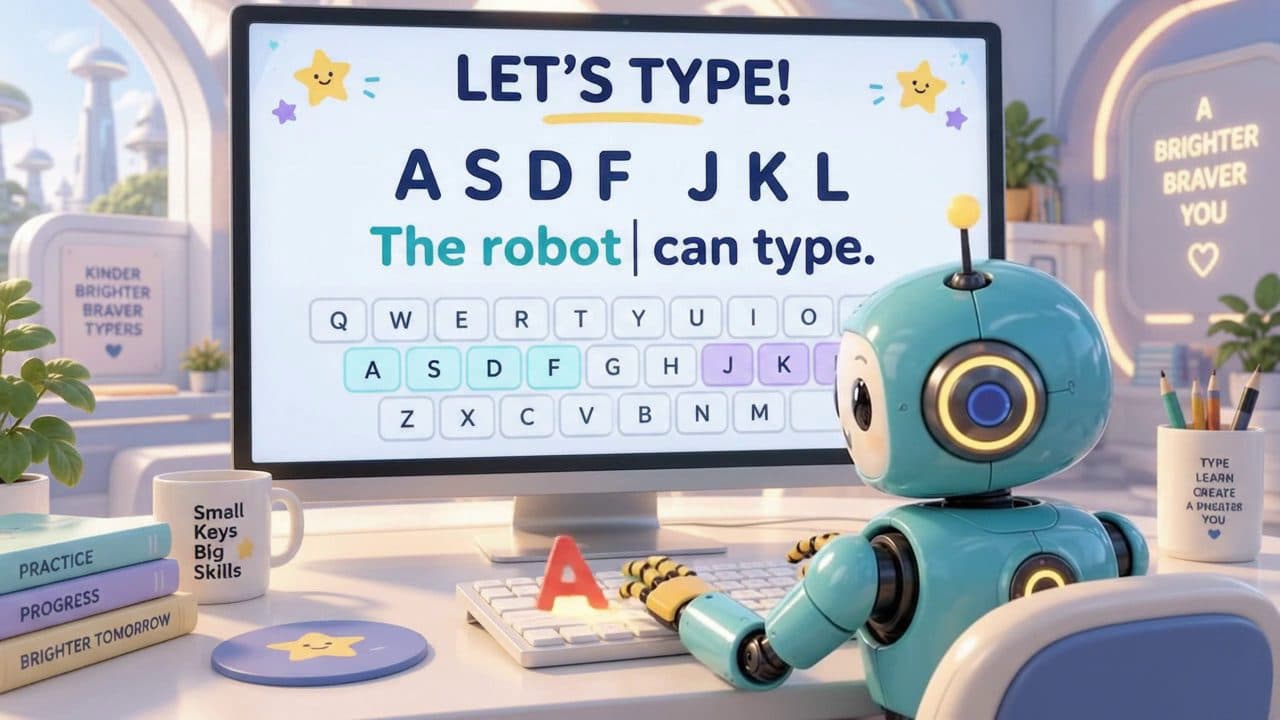
Say hello to Robo!
Robo practices right alongside every child — cheering on each correct letter, never keeping score against anyone else, and always ready for another round.
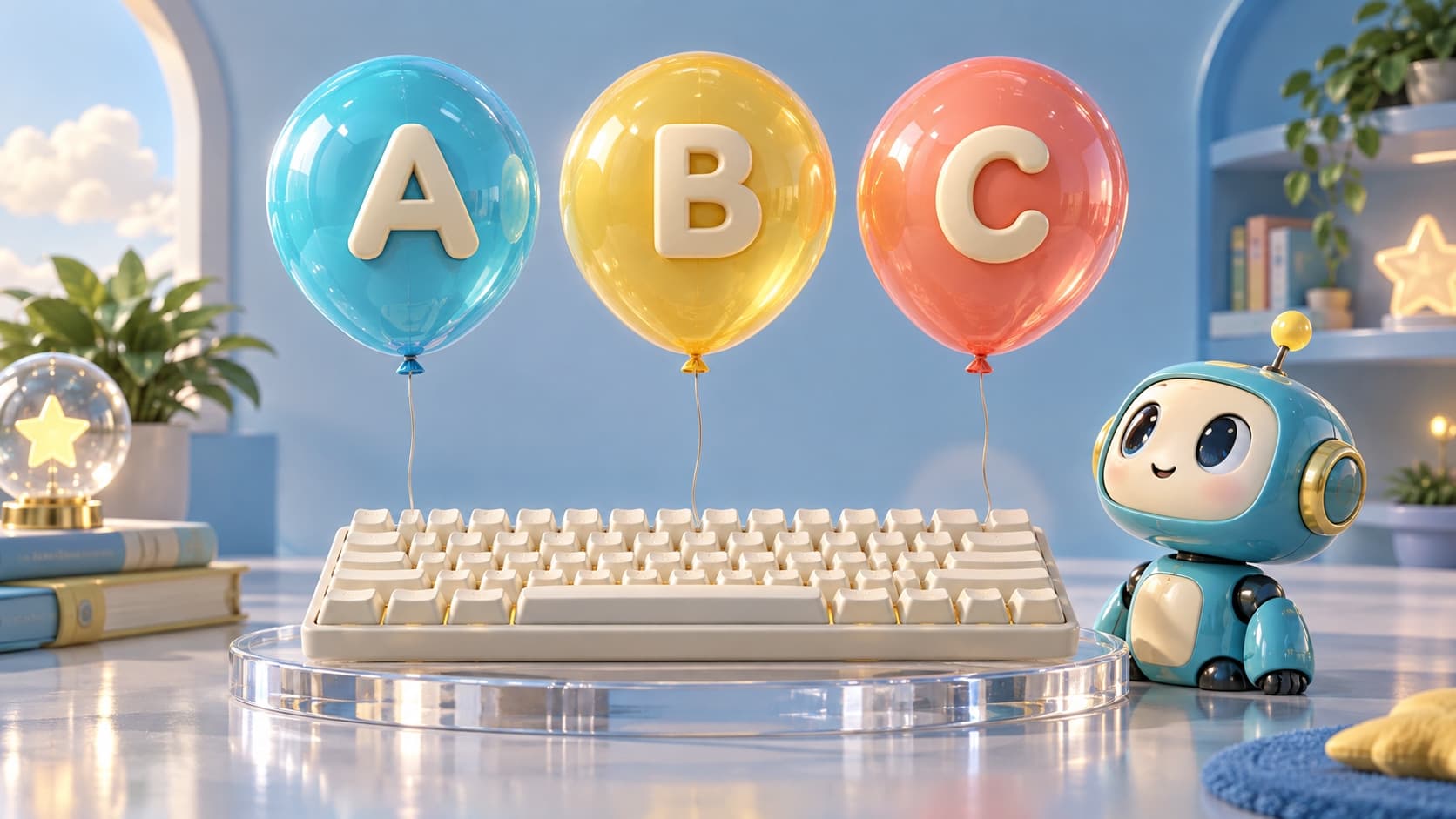
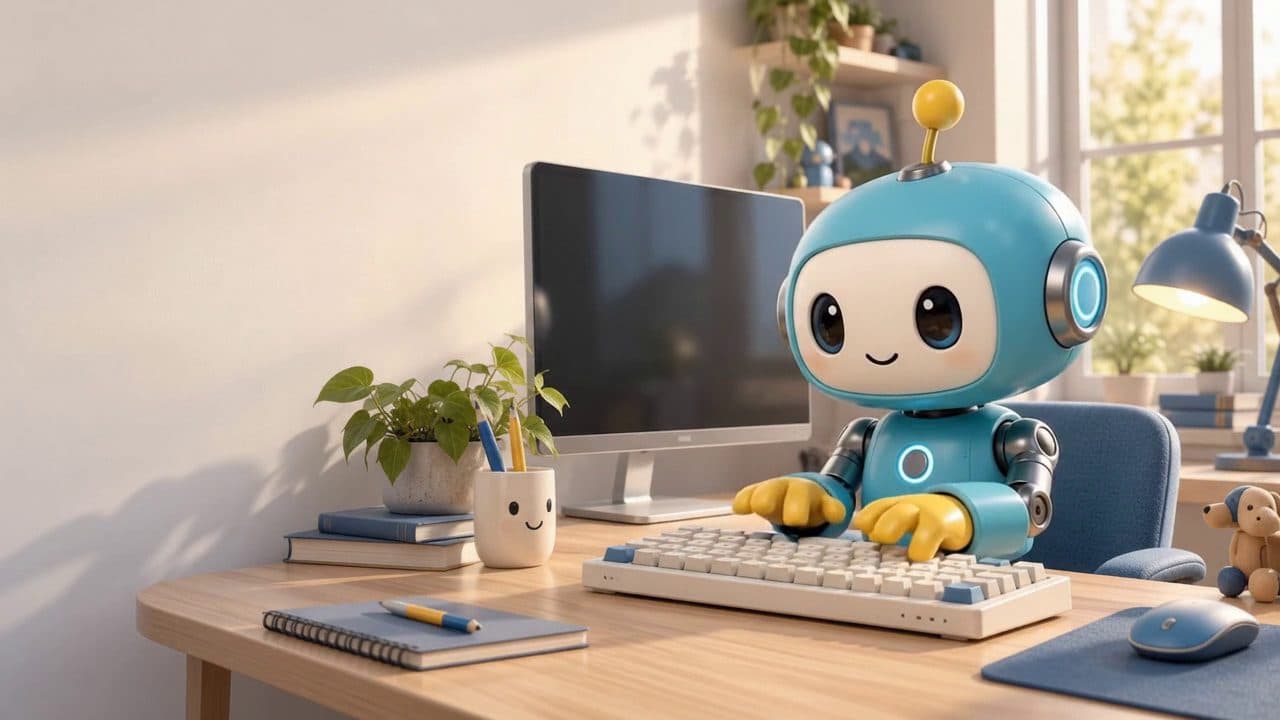
Robo loves to type!
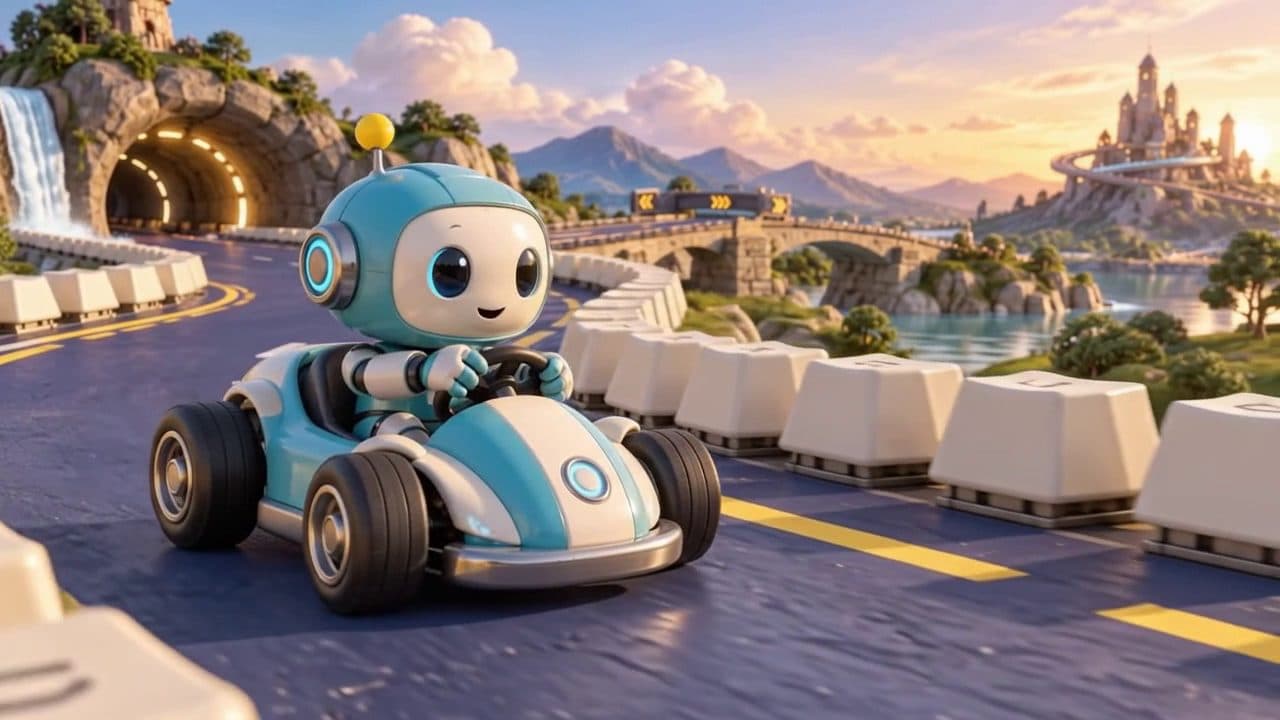
Robo loves to race in Typing Race!
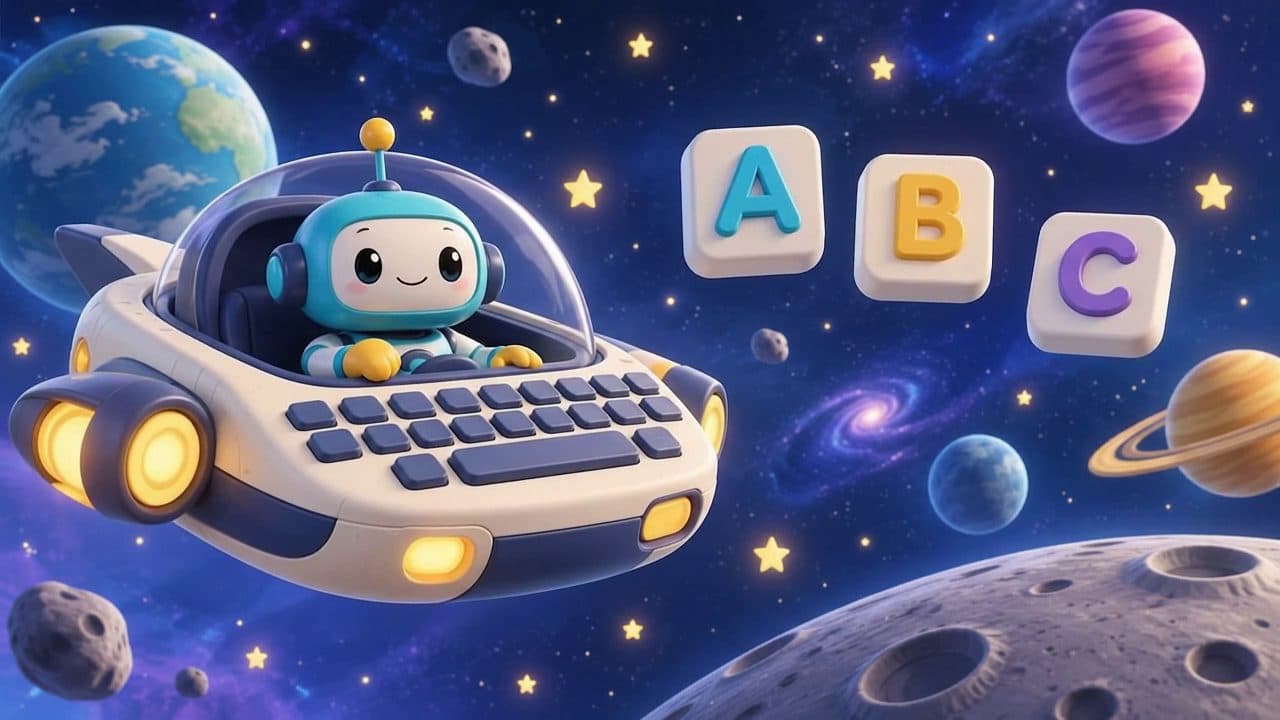
Robo says hi from Space Defender!
Learning paths
A path for every age
Lessons and games are planned around what young hands and minds can do at each stage.
Early Explorers
Playful letter and key recognition, big friendly targets, and lots of encouragement.
Skill Builders
Short structured lessons that build finger placement and steady accuracy.
Typing Champions
Longer challenges that grow speed while keeping accuracy the priority.
How it works
Learning that feels like play
Learn the keys
Short, friendly lessons introduce finger placement and letter positions.
Practice a sentence
Type real sentences with live highlighting and gentle correction.
Play a game
Turn new skills into playful challenges like Balloon Pop and Typing Race.
See your progress
Encouraging feedback celebrates every bit of improvement.
Structured lessons
A guided journey, one small step at a time
Three age-based learning paths, each with 12 structured lessons — a welcome, a demonstration, guided and independent practice, and an assessment with stars.
- 1
Early Explorers
12 lessons availableAges 4-6 — Keyboard familiarity, letter recognition, confidence and accuracy — no speed pressure.
- 2
Skill Builders
12 lessons availableAges 7-9 — Correct finger placement, full letter coverage, accuracy and early fluency.
- 3
Typing Champions
12 lessons availableAges 10-12 — Complete touch typing, punctuation, numbers, and building speed with control.
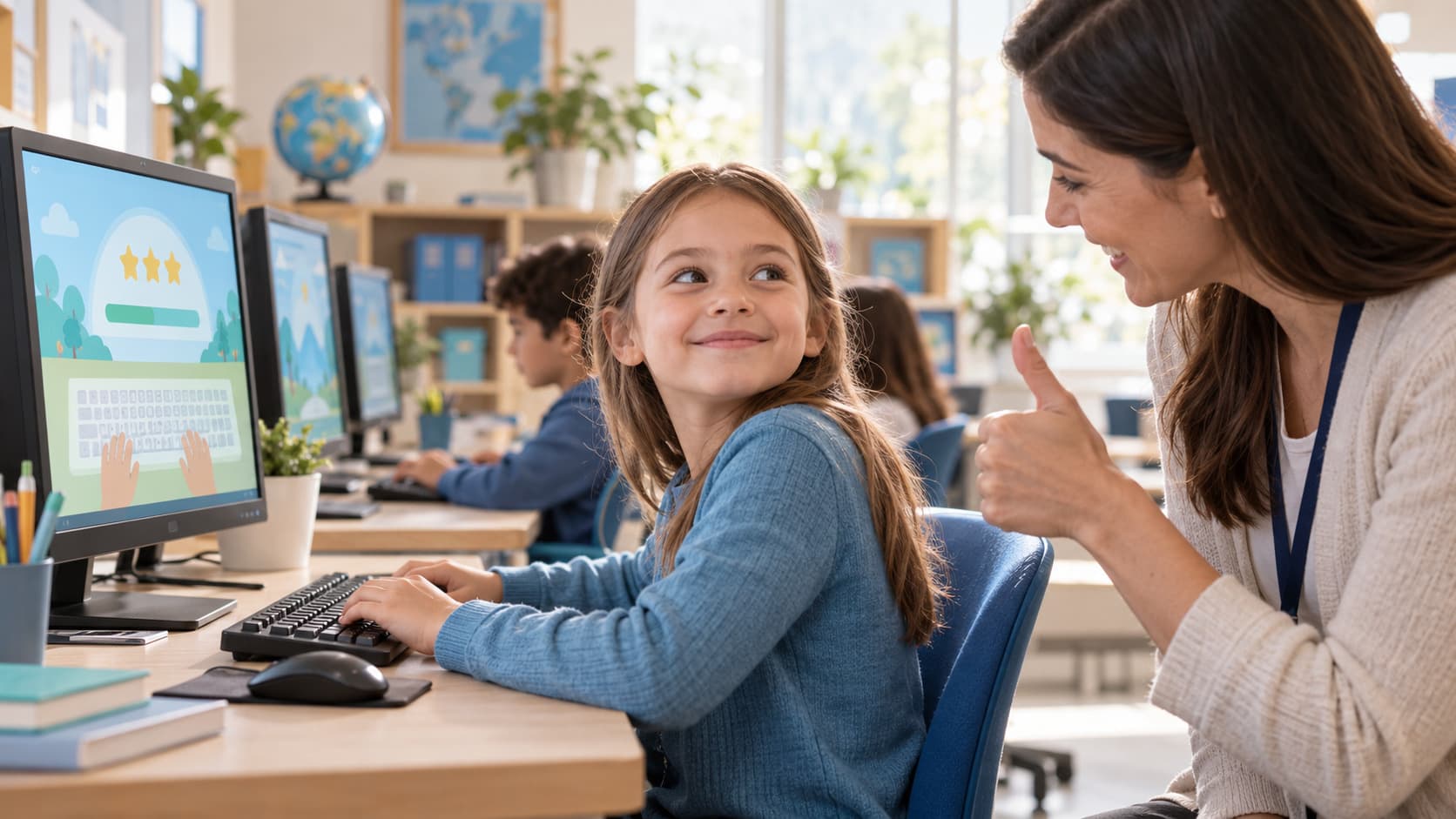
Typing games
Practice that feels like play
Three playful games that turn typing practice into a game, with no leaderboards or pressure.
Explore
Popular Kids Typing Activities
Free Typing Games for Kids
Three playful games that turn keyboard practice into play, with no leaderboard or pressure.
Learn Typing for Kids
A parent's guide to how typing is taught here — when to start and how the pieces fit together.
Typing Practice for Kids
Guided letters, an accuracy challenge, and timed practice — pick the mode that fits right now.
Typing Test for Kids
A quick, honest check of speed and accuracy, with no comparison against anyone else.
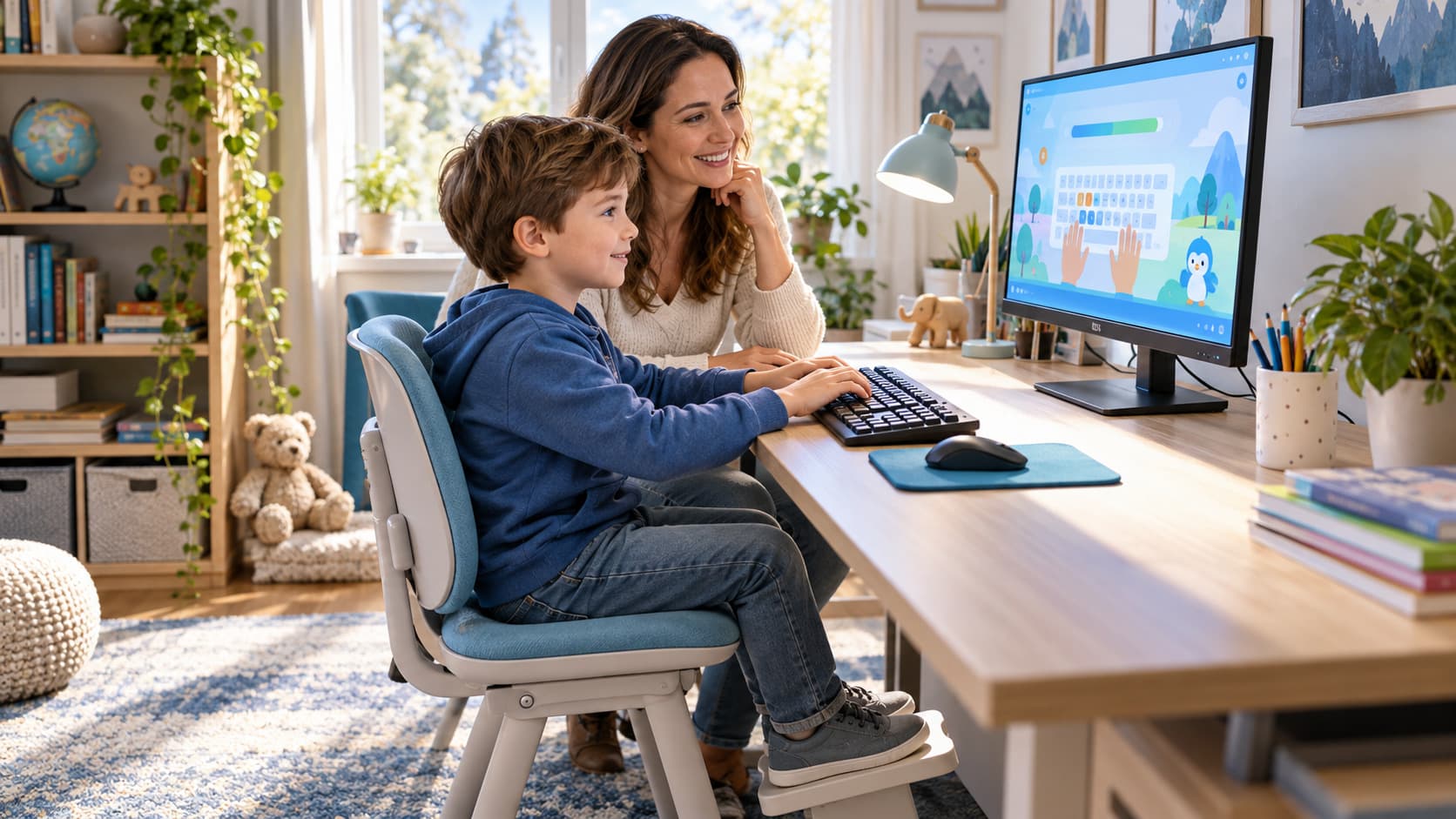
A parent dashboard, done right
Create a free parent account to see how each child is progressing without any pressure or public comparison. Your child can keep practicing without an account — the dashboard is entirely optional.
- See which lessons and games each child has completed.
- Add a profile for each child with just a nickname and a preset avatar.
- All progress data stays private to your family, never public.
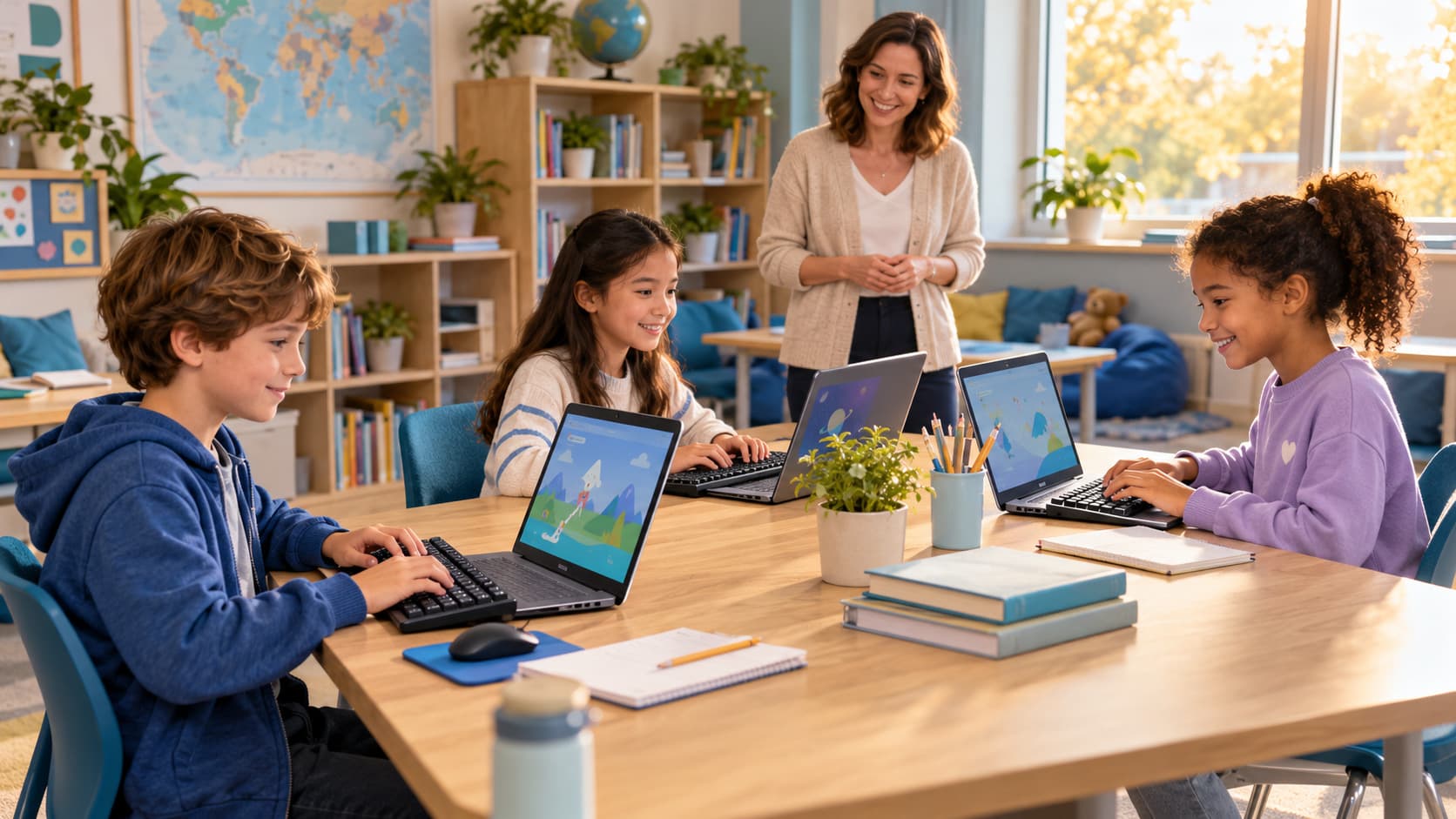
For teachers & schools
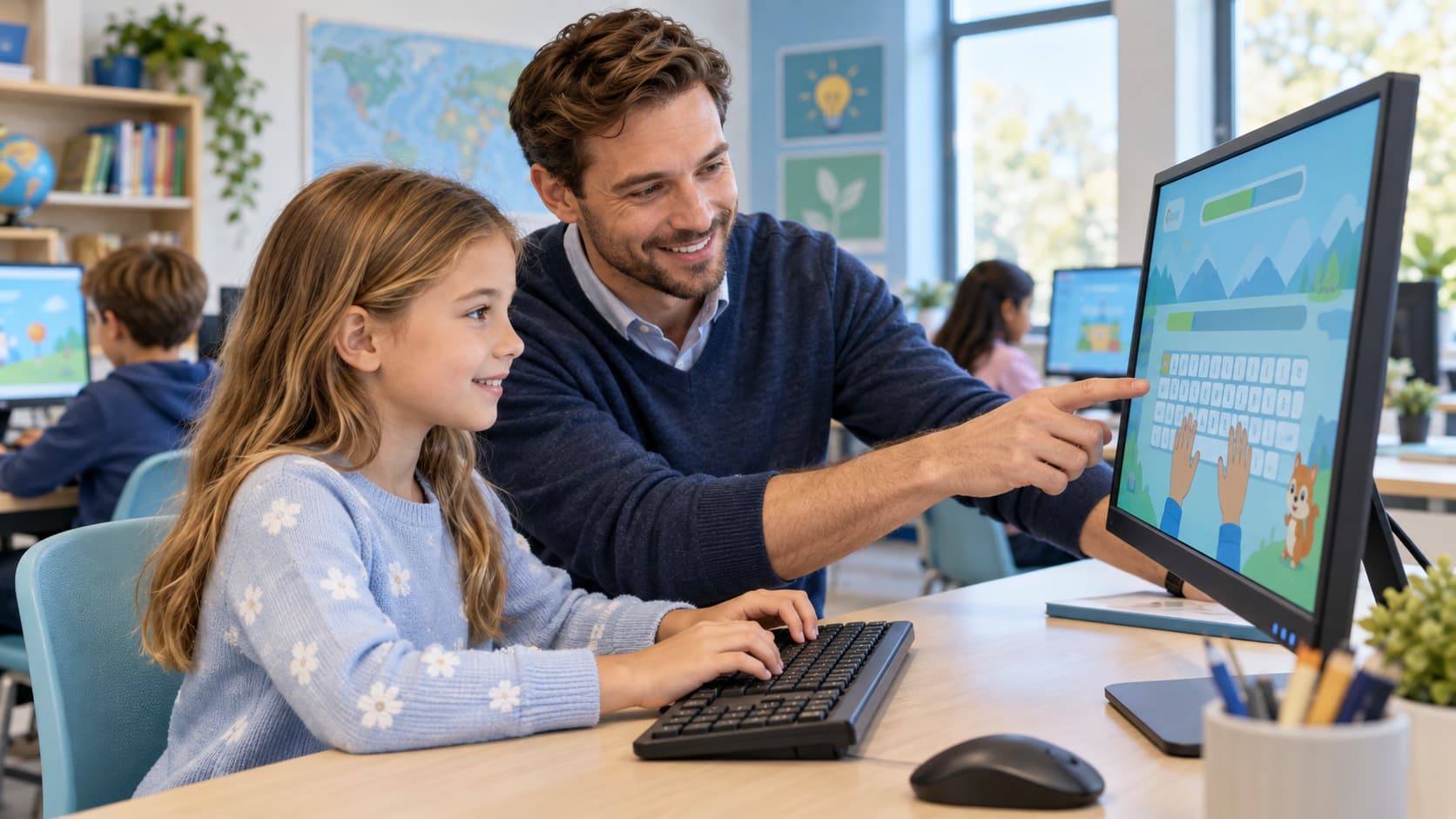
A calm typing tool for the classroom
Classroom-friendly
Short activities that fit into a typing lesson or a free period.
Built for learning
Focused on accuracy first, matching how typing is taught in schools.
Classrooms and assignments
Create a classroom, invite students with a code their parent approves, and assign lessons.
Child safety first
Built to be safe by default
No advertising, no public profiles, no public leaderboards.
No messaging or user-generated public content.
No account or personal information required to practice today.
About KidsShines
A safe, playful typing-learning experience for children aged 4-12, with structured lessons, games, and encouraging feedback.
FAQ
Frequently asked questions
Is KidsShines free to use right now?
Yes. Free practice, timed tests, and 36 structured lessons across 3 learning paths are all free, with no account required.
Do I need to create an account?
No. Your child can practice, take lessons, and play every game with no account at all. A free parent account is optional and only adds the ability to save child profiles and progress across devices, or join a teacher's classroom.
Is my child's information collected?
Children never register or have an email — only a parent can create an account, and a child profile stores only a nickname, a preset avatar, an age group, and a learning path. No date of birth, location, school, or photo is ever collected. See our Child Safety and Privacy pages for details.
What ages is this designed for?
KidsShines is designed for children aged 4 to 12, grouped into Early Explorers, Skill Builders, and Typing Champions.
Ready for little fingers to start?
Jump into the free typing-practice activity — no account needed.